
How to Install Apollo Group TV on iOS
A dedicated app for iPhone and iPad, made available through your activation email rather than the public App Store.
iOS install, step by step
A dedicated iOS app
iPhone and iPad are supported through a dedicated app built specifically for iOS and iPadOS — not a shared build with other platforms.
Delivered through your activation email
The app isn't distributed through the public App Store — it's made available through the activation email you receive after subscribing.
Support if you get stuck
If the link in your activation email doesn't work or you're not sure what to do next, 24/7 chat support can walk you through it directly.
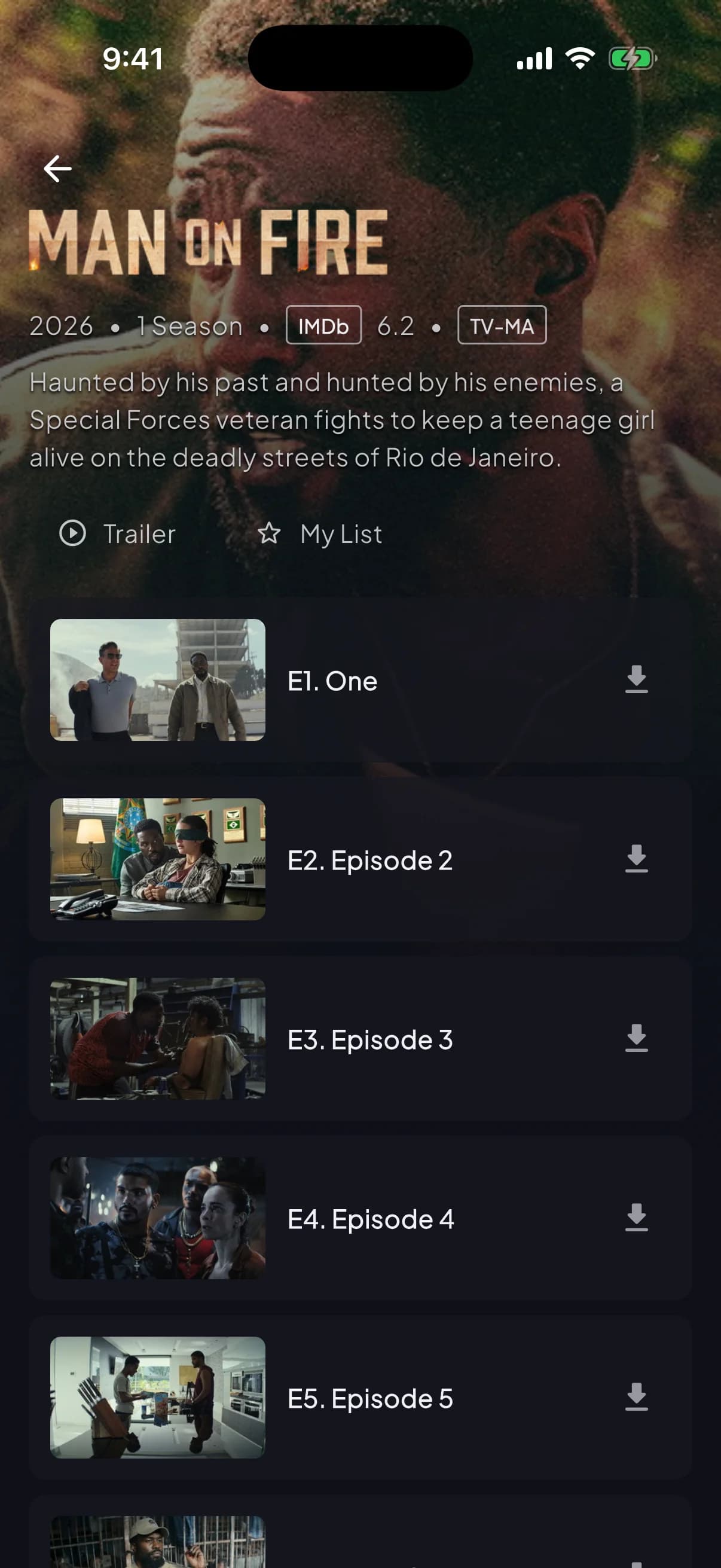
Same Player, built for iPhone and iPad
Once installed, the Player opens straight into live channels, your EPG guide, and the full on-demand library — the same app experience as every other supported device.
Common questions
The iOS app isn't distributed through the public App Store — it's delivered through your activation email after you subscribe. If you're not sure what to expect, contact support before subscribing and they'll confirm.
Firestick and Android TV install through a third-party sideloading tool called Downloader, which isn't available on iOS. iPhone and iPad use a dedicated app delivered a different way instead.
They're included in the activation email you receive after subscribing. If it's missing or unclear, reach out through live chat and support will send it directly.